Skip to content
◀ Quest Log

KAI Lifestyle by MKP

Assignment
Work AssignmentSolo Project
Year
2025
Role
Front-End Engineer
Tools
  • React
  • Vite
  • TypeScript
  • Tailwind CSS
  • Redux
  • Yup
Links
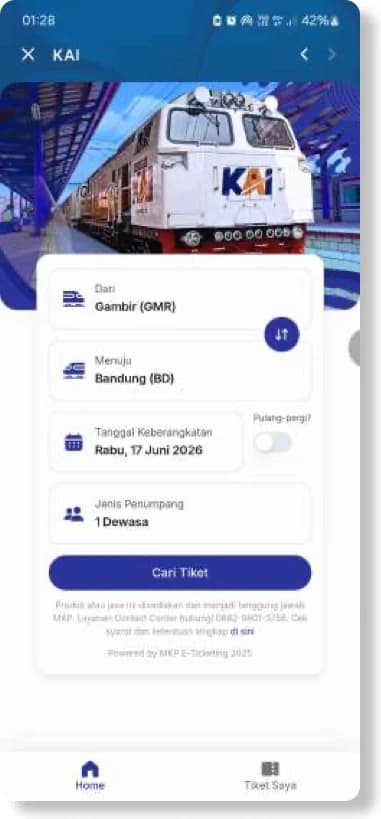
KAI Lifestyle home screen with origin, destination, departure date and passenger fields
Home
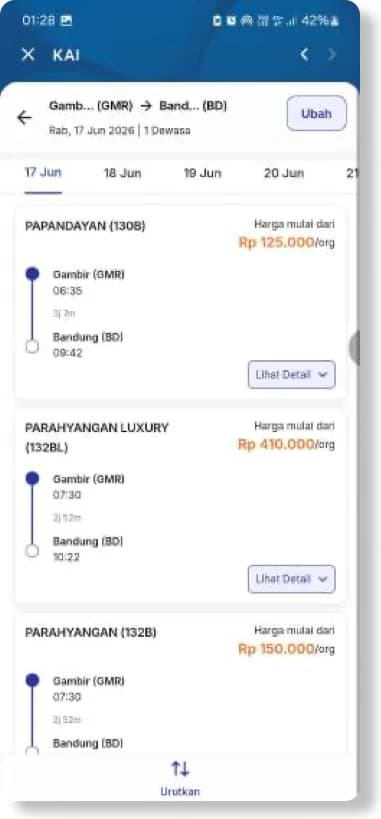
List of available train schedules with departure times, classes and fares
Schedule List
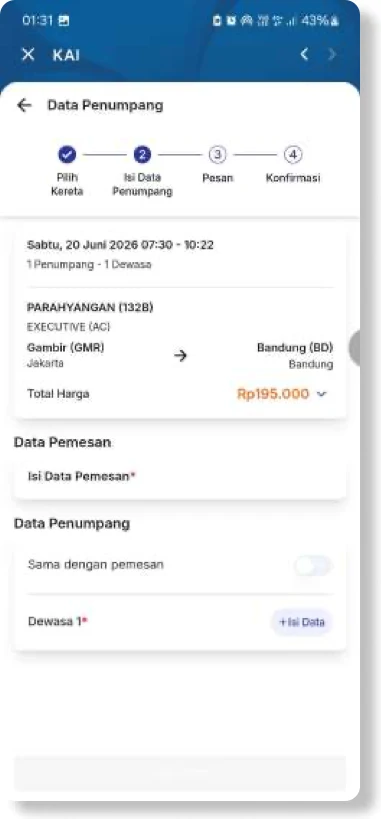
Passenger data entry step showing the selected train and total fare
Passenger Data
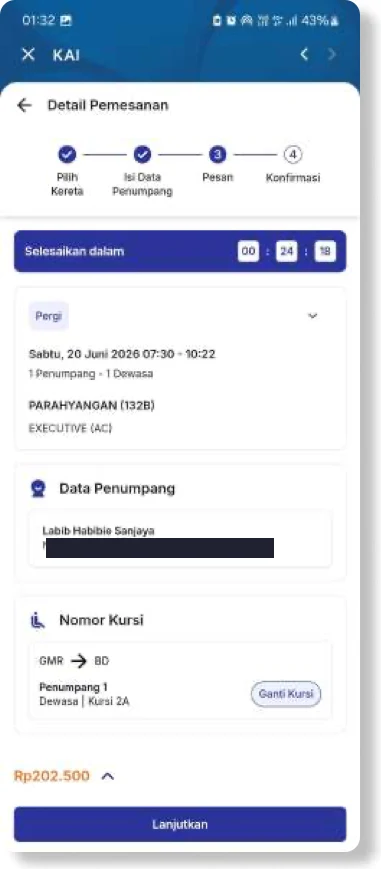
Order detail step with a payment countdown, passenger data and seat number
Order Detail
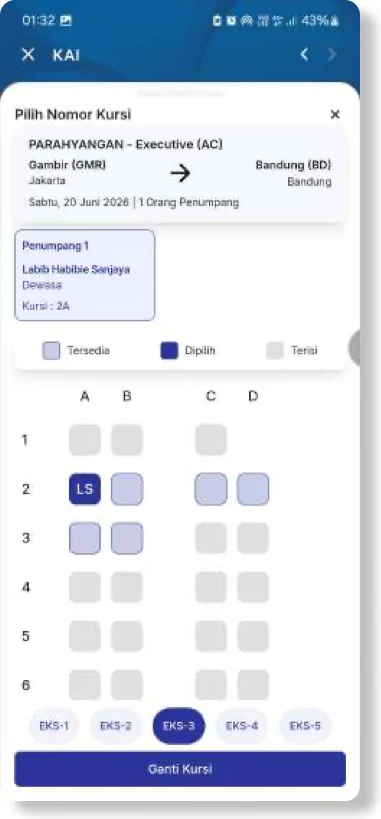
Seat map for an executive carriage showing available, selected and occupied seats
Seat Selection
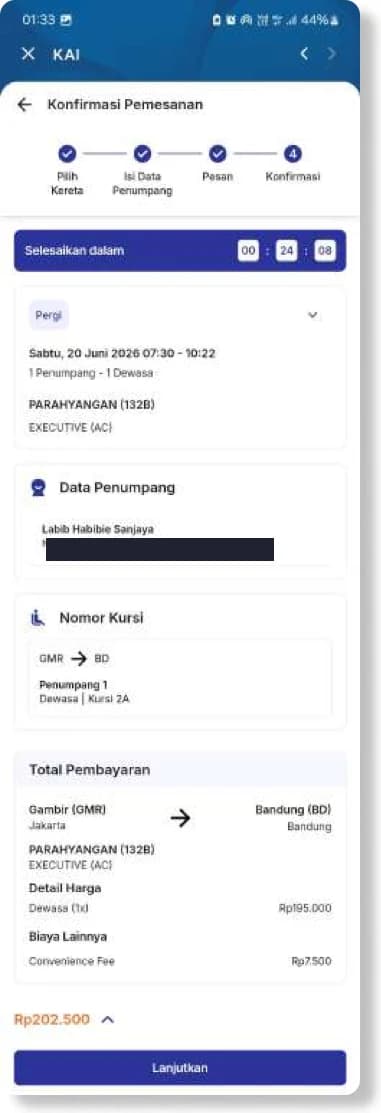
Booking confirmation summarising journey, passenger, seat and total payment
Order Confirmation
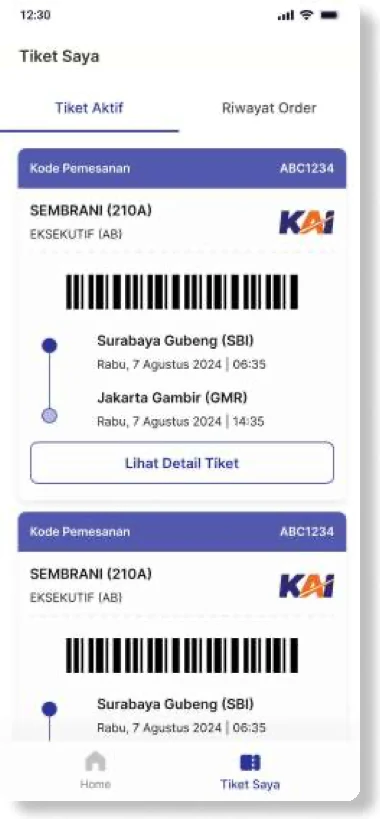
Active tickets tab listing booked journeys with barcodes and booking codes
Active Ticket
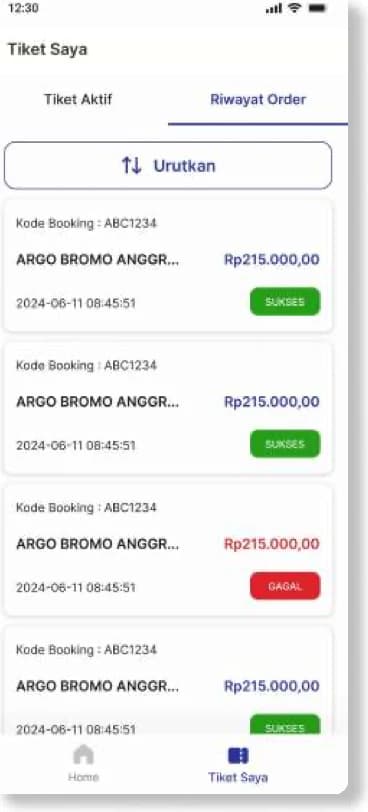
Order history tab listing previous bookings with their status and fare
Order History
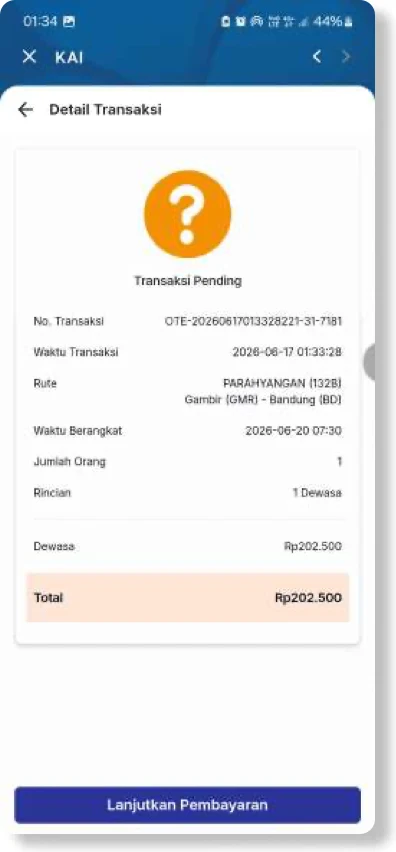
Transaction detail for a pending booking, with route, times and total
Transaction Detail

Swipe or use the arrow keys

The Problem

BCA wanted its customers to book KAI train tickets without ever leaving their banking app. That meant an entire booking journey (destination search, schedule listing, passenger data, seat selection, payment confirmation and booking history) living inside myBCA on both mobile and web, and feeling native to it rather than bolted on.

What I Built

As the Front-End Engineer I architected the whole UI layer in React, Vite and TypeScript, with strict form validation in Yup and state managed through Redux. The hard part was myBCA's web-view: performance optimisation and cross-environment compatibility were what decided whether the experience felt native or borrowed, so both drove every implementation choice.